Arrive clearly
Let a person recognise why the app needs their attention before asking them to make a choice.
 Vadenolummobile app atelier
MOBILE APP DEVELOPMENT / 01
Vadenolum designs and develops mobile products around the situations people are actually in: moving, waiting, returning, deciding or completing something with limited attention. A useful app begins with the world around the screen.
Bring a product moment
02 / MOMENT BOARD
Let a person recognise why the app needs their attention before asking them to make a choice.
Use a small number of understandable actions and show their state without making the screen feel loud.
After a real interruption, make it easier to understand what happened and what is useful next.

03 / POCKET MAP
A mobile app has a setting: light, noise, movement, signal quality, attention, habits and nearby objects. These are not decorative considerations. They can change which label, action, return path or recovery state feels useful.
See the product garden04 / JOURNEY LAB
Select a lens to change the product note. These lenses are prompts for a mobile product conversation, not claims that every app should be built the same way.
ENTRY MOMENT
The entry moment considers the cue, language and context that help a person recognise why an app has arrived in their attention. It can be useful to test the difference between a welcome screen, a task, a notification and a return from an interruption.
05 / PRODUCT GARDEN
A product habit is more than frequency. It includes the setting that makes a return worthwhile, the cue that earns attention and the value that is still visible after a person has put their phone away.

06 / STATE SHELF
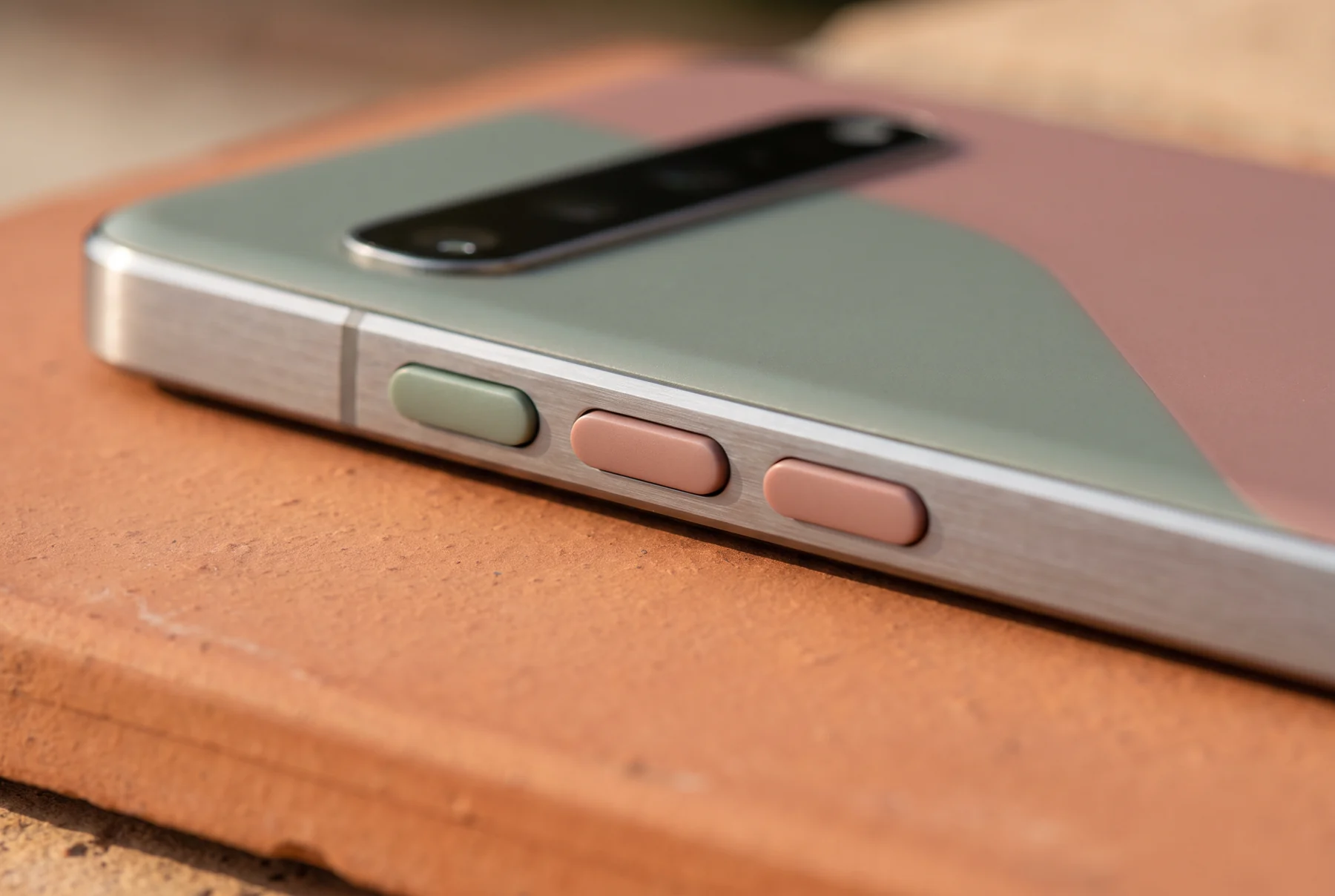
Loading, unavailable, complete, interrupted and empty states tell a person what the system knows. They should not be treated as an afterthought once the ideal path has been designed.
07 / QUIET BUILD
Mobile app work may include product discovery, interaction design, interface implementation, service integration, prototype testing, release preparation and operating notes. Scope should follow the product question and any later written agreement.


08 / TEAM ORBIT
Product, design, engineering and operations can bring different evidence to the same mobile moment. The aim is not to make every discipline identical; it is to give the next decision a shared point of reference.
09 / RETURN METER
Move the marker to make a product review more concrete. This is a discussion prompt, not a performance score or universal release method.
Focus on what appears before, during and after the important touch. Clear state language makes the product less mysterious without covering the screen in unnecessary detail.


10 / TOUCH ARRAY
Touch targets, labels, helper text, form states, confirmation and recovery paths are all parts of the product voice. Mobile development is strongest when those details support the promise made at the first screen.
11 / PRACTICE QUESTIONS
These answers describe the public practice and its boundaries. Any paid work, if appropriate, is confirmed separately in writing.
12 / PRODUCT NOTE
Share a short non-confidential description of the mobile product question you want to understand. This demonstration form does not send messages, collect payment or create a project agreement.